Ticket types and tiers | Functn Help Center
Category: Tickets
Add ticket types in Functn: open Pricing, stay on Ticket Types, then add a General Ticket.
# Ticket types and tiers **Who can use this feature?** Organizers, on all organizer plans. Ticket types are what attendees buy. Add them on the event **Pricing** step. ## Add a ticket type 1. Open **Enhanced Create** or edit an event, then go to **Pricing**. 2. Stay on **Ticket Types**. 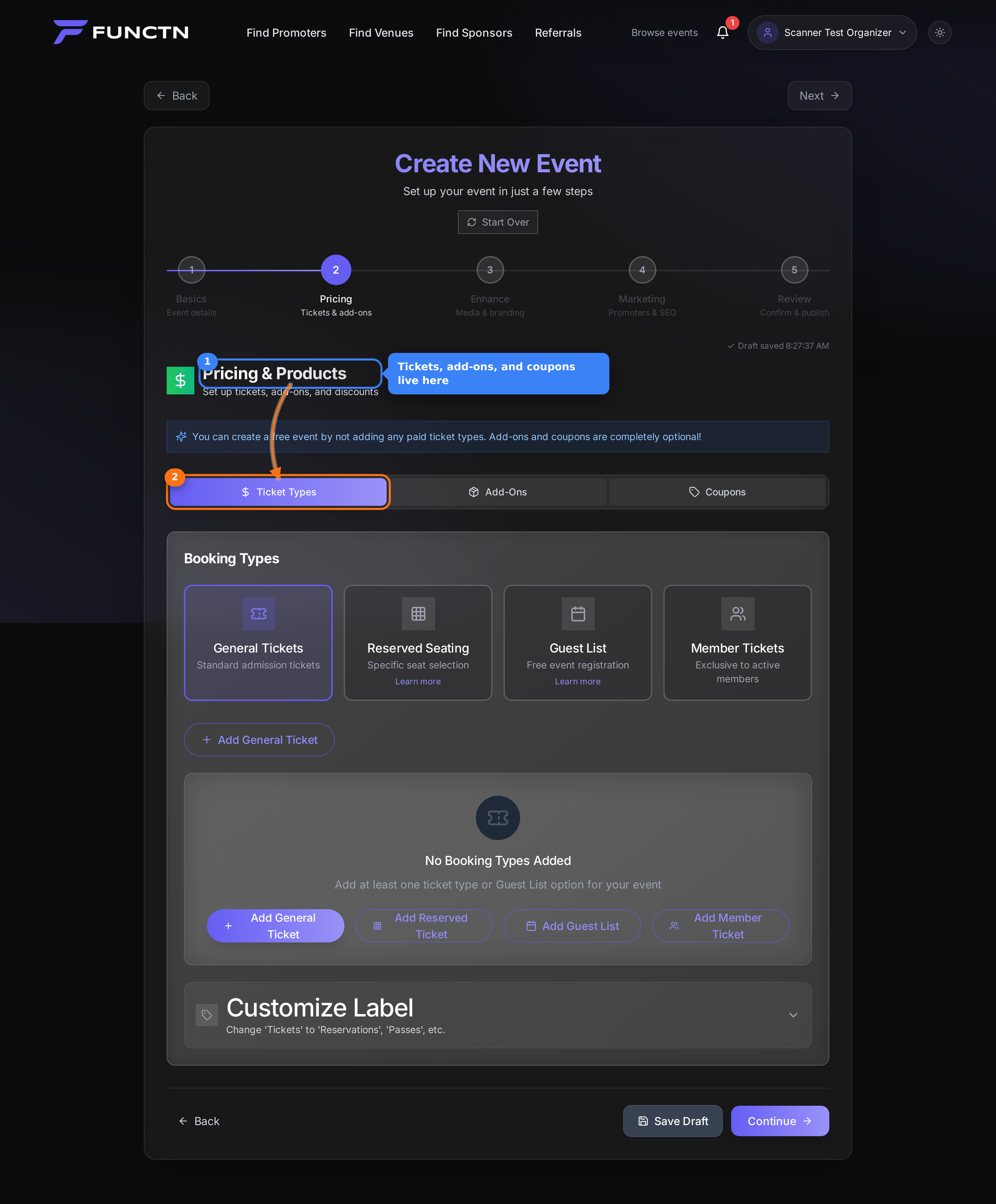 3. Use **Ticket Types** for admission. Use **Add-Ons** for extras and **Coupons** for discount codes. 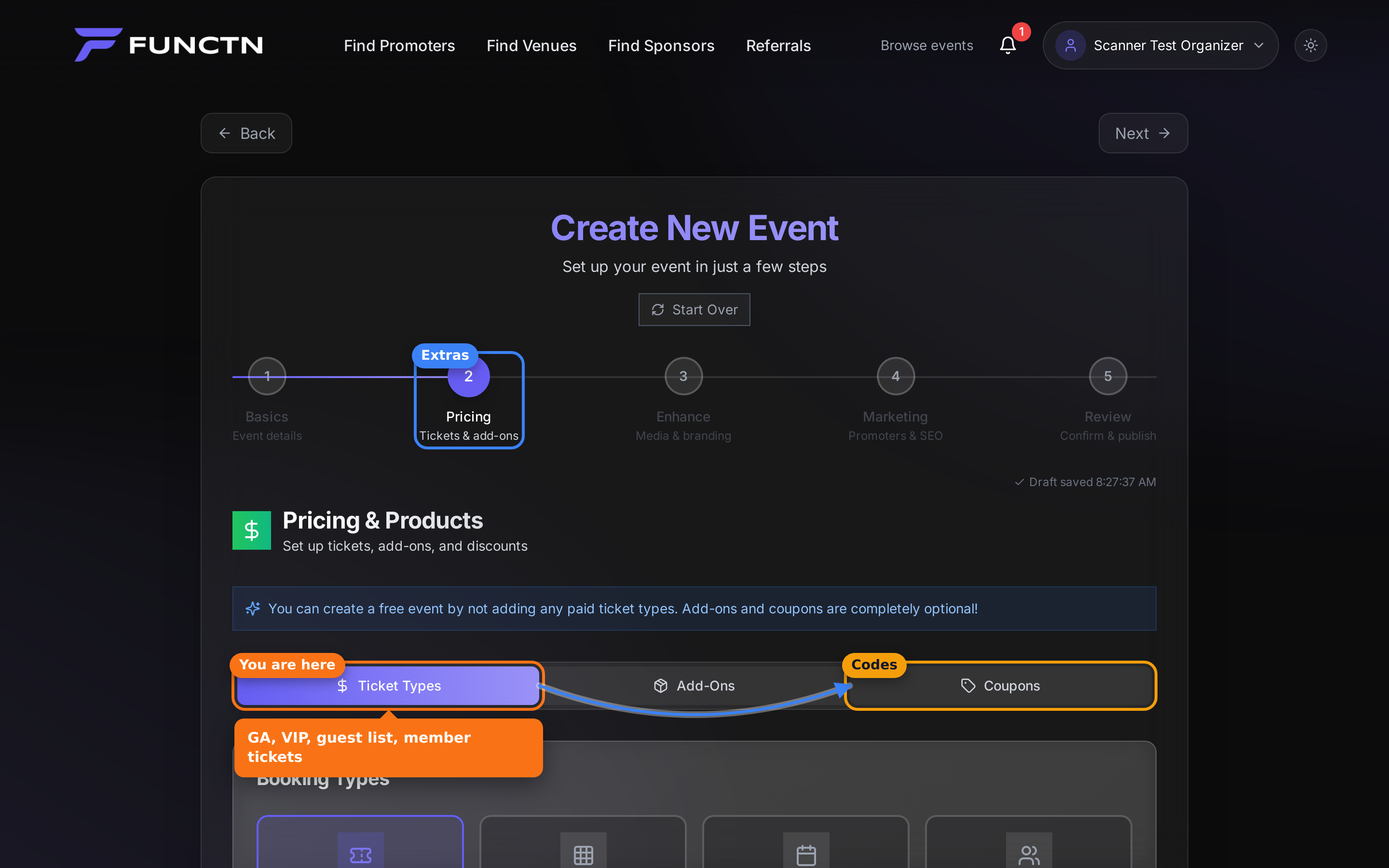 4. Under **General Tickets**, click **Add General Ticket**. 5. Enter a name, price, and quantity. 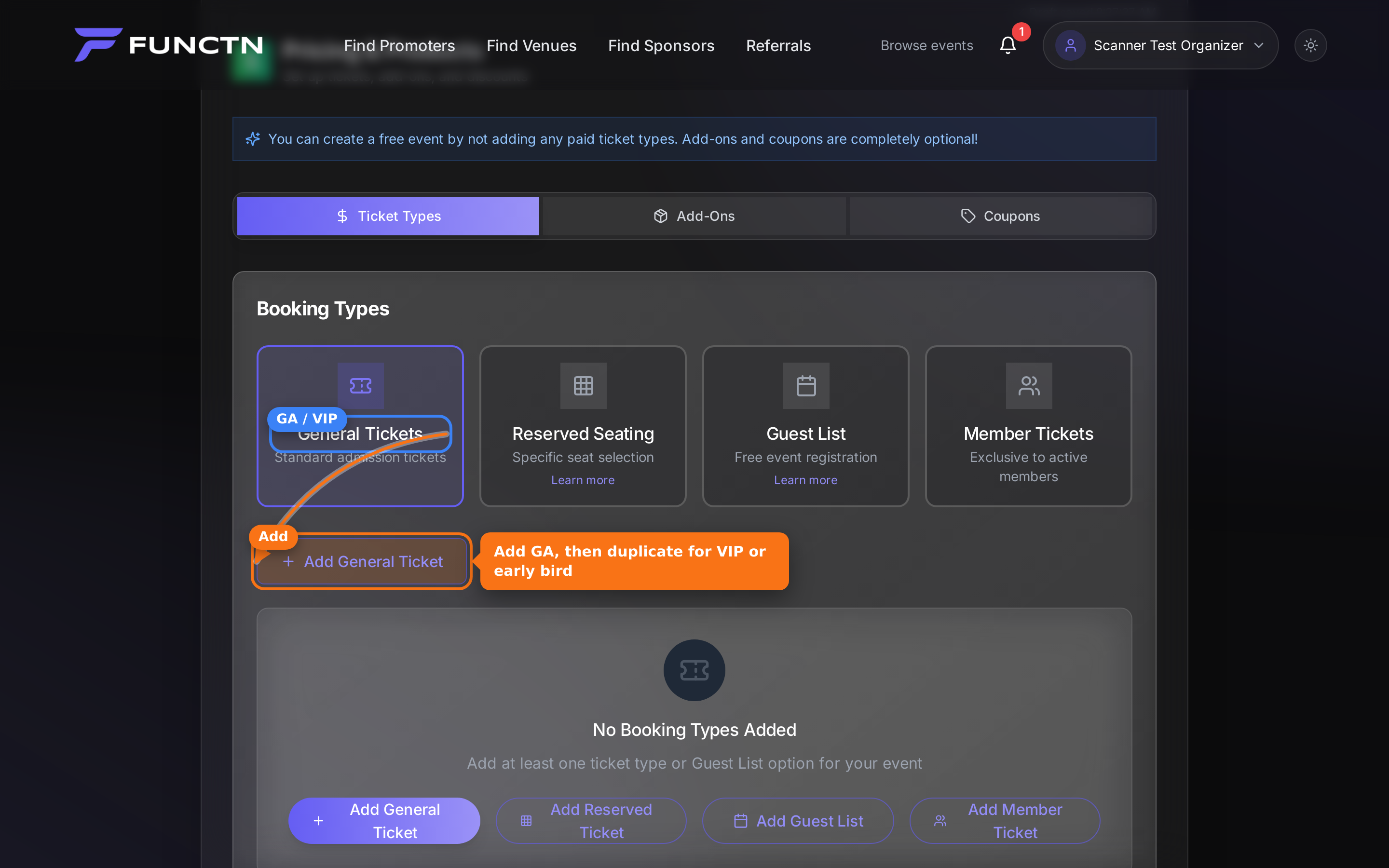 6. Use **Guest List** for a free RSVP list, or **Member Tickets** for membership-only pricing. 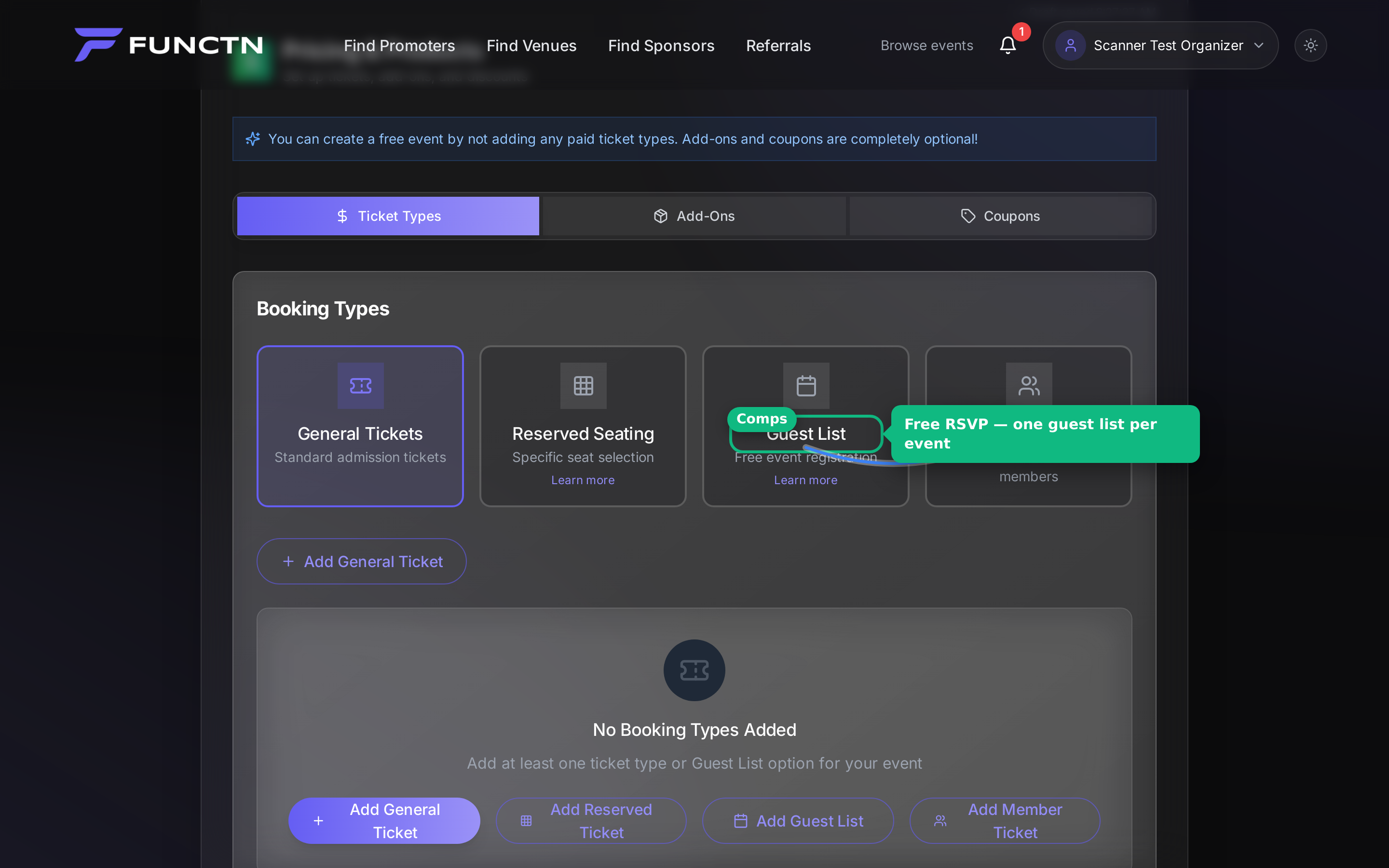 **Tip:** Duplicate a general ticket and change the price to add VIP or early bird.