Security and 2FA | Functn Help Center
Category: Account
Set up 2FA, passkeys, and security alerts to protect your Functn account.
# Security and 2FA ## What this covers This article explains what is currently visible in the Security area of Profile. ## Where to find it Open Profile and select the Security tab (URL includes `?tab=security`). 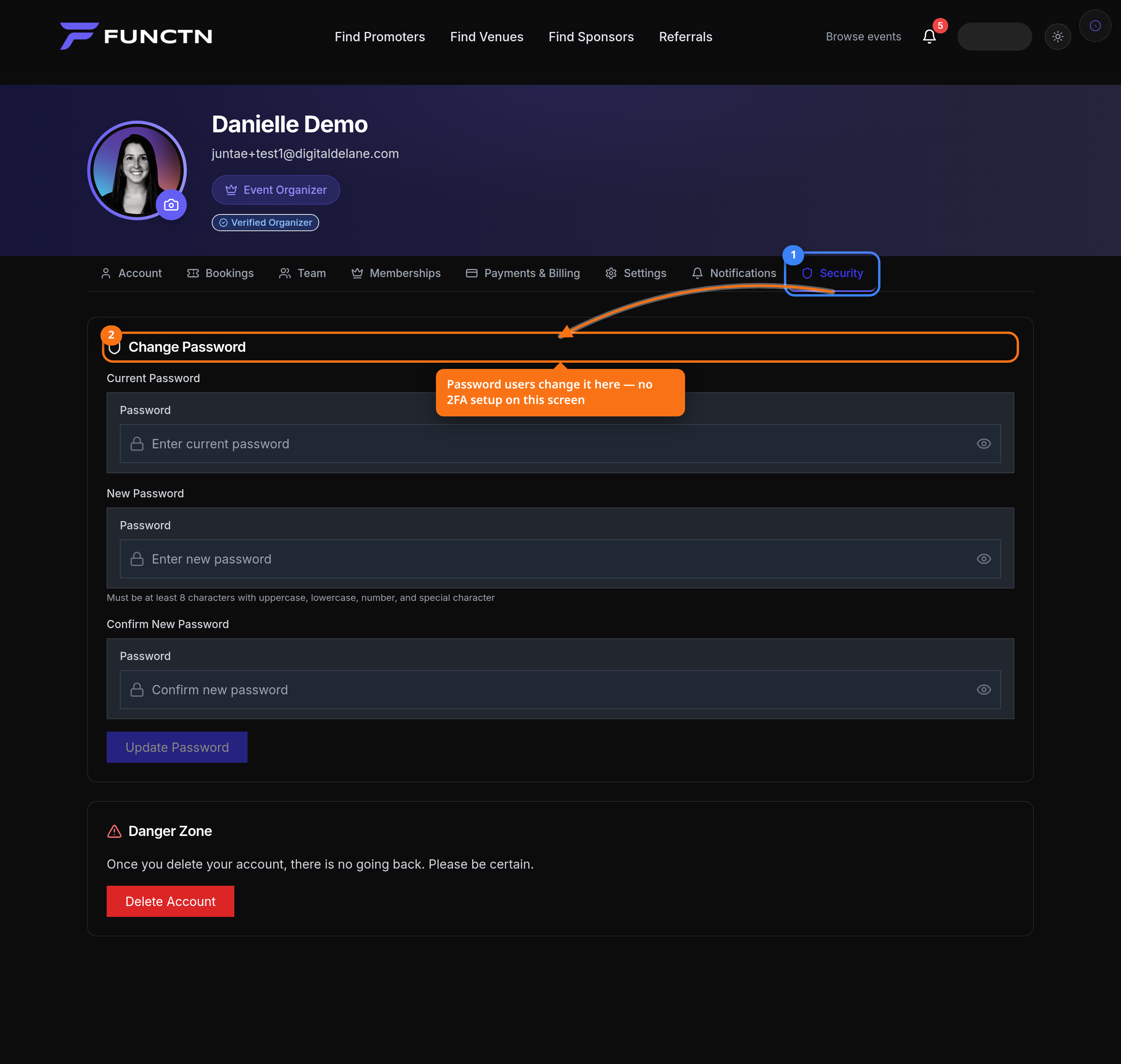 ## How it works The Security tab is present in the profile navigation and is labeled Security Settings. The page currently displays security and privacy placeholder copy rather than a complete self-service two-factor-authentication workflow. 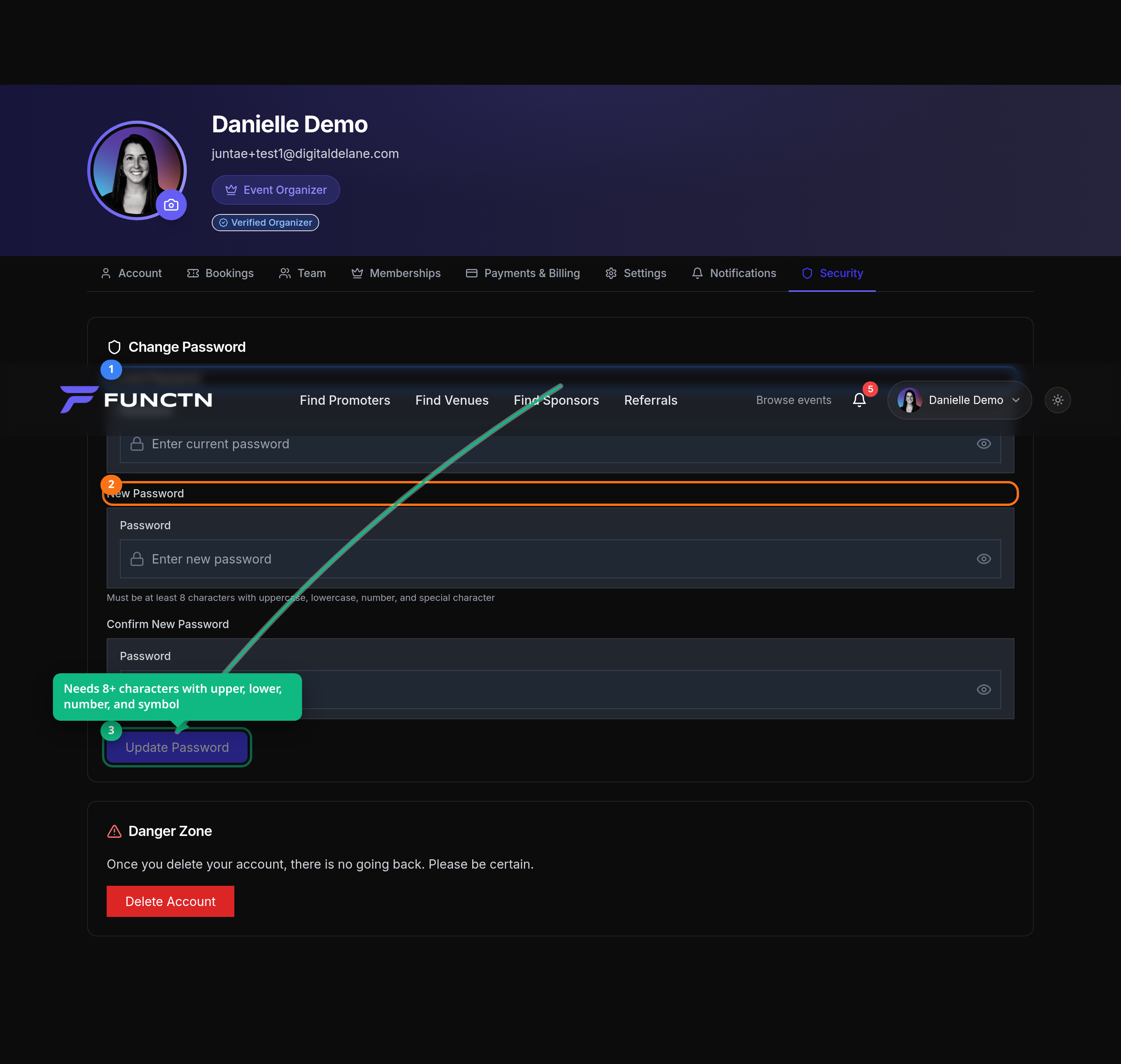 ## Limitations and notes Do not promise passkeys, SAML, magic links, or two-factor controls from this article unless those controls are visible in the active product surface for the account being documented. Source file: client/src/components/profile/tabs/SecurityTab.tsx. ## Related articles - [Profile and login](/help/article/profile-and-login) - [Notification preferences](/help/article/notification-preferences) - [Closing your account](/help/article/closing-your-account)