Sales dashboard | Functn Help Center
Category: Analytics
Open the Functn sales dashboard: Reports → Analytics for volume, Revenue for money.
# Sales dashboard **Who can use this feature?** Organizers, on all organizer plans. See how many tickets you sold and how much you earned from **Reports** on the organizer dashboard. ## View sales 1. From the dashboard, open **Reports**. 2. Click **Analytics**. 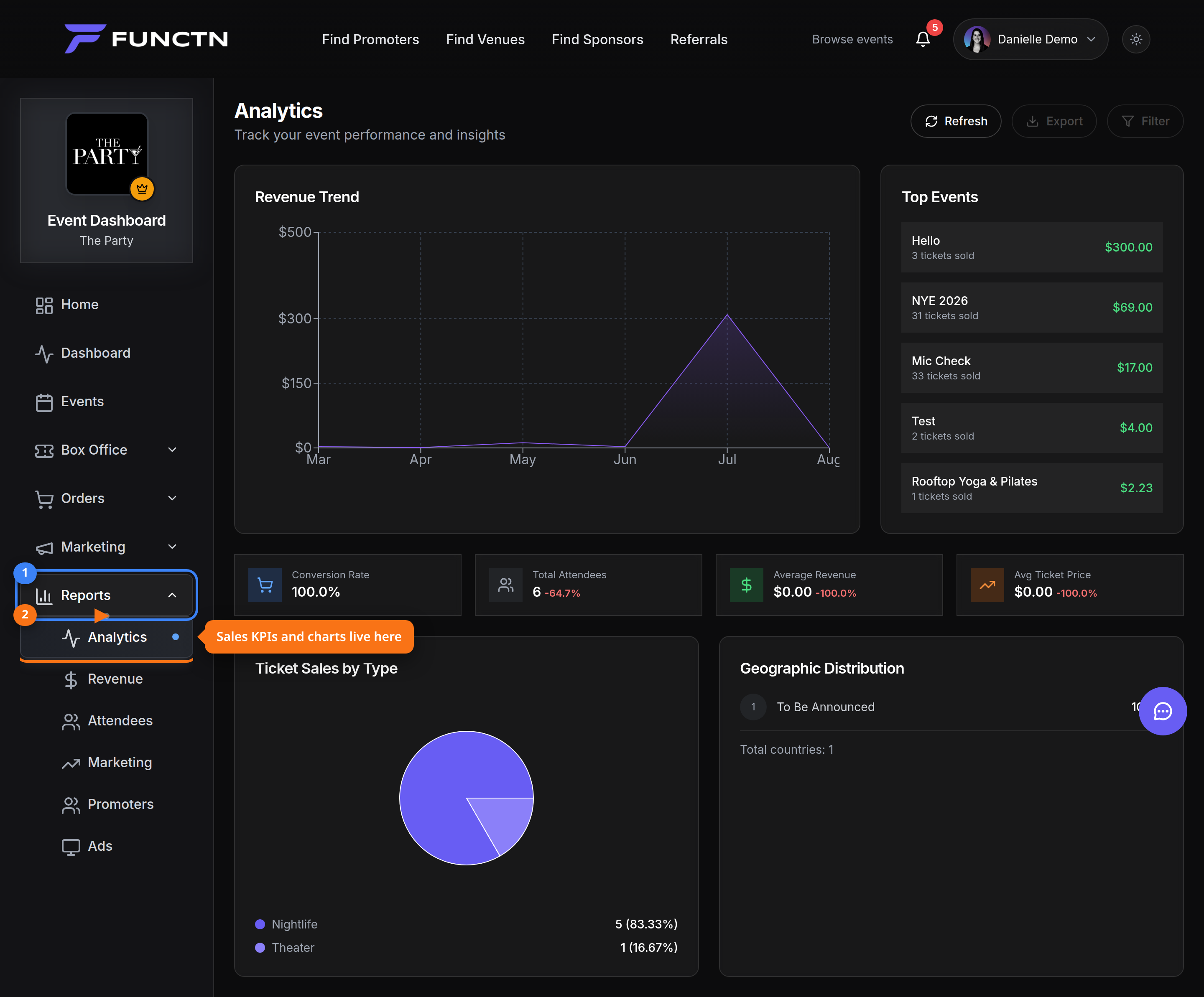 3. Review ticket volume on **Analytics**. 4. Click **Revenue** for money totals. 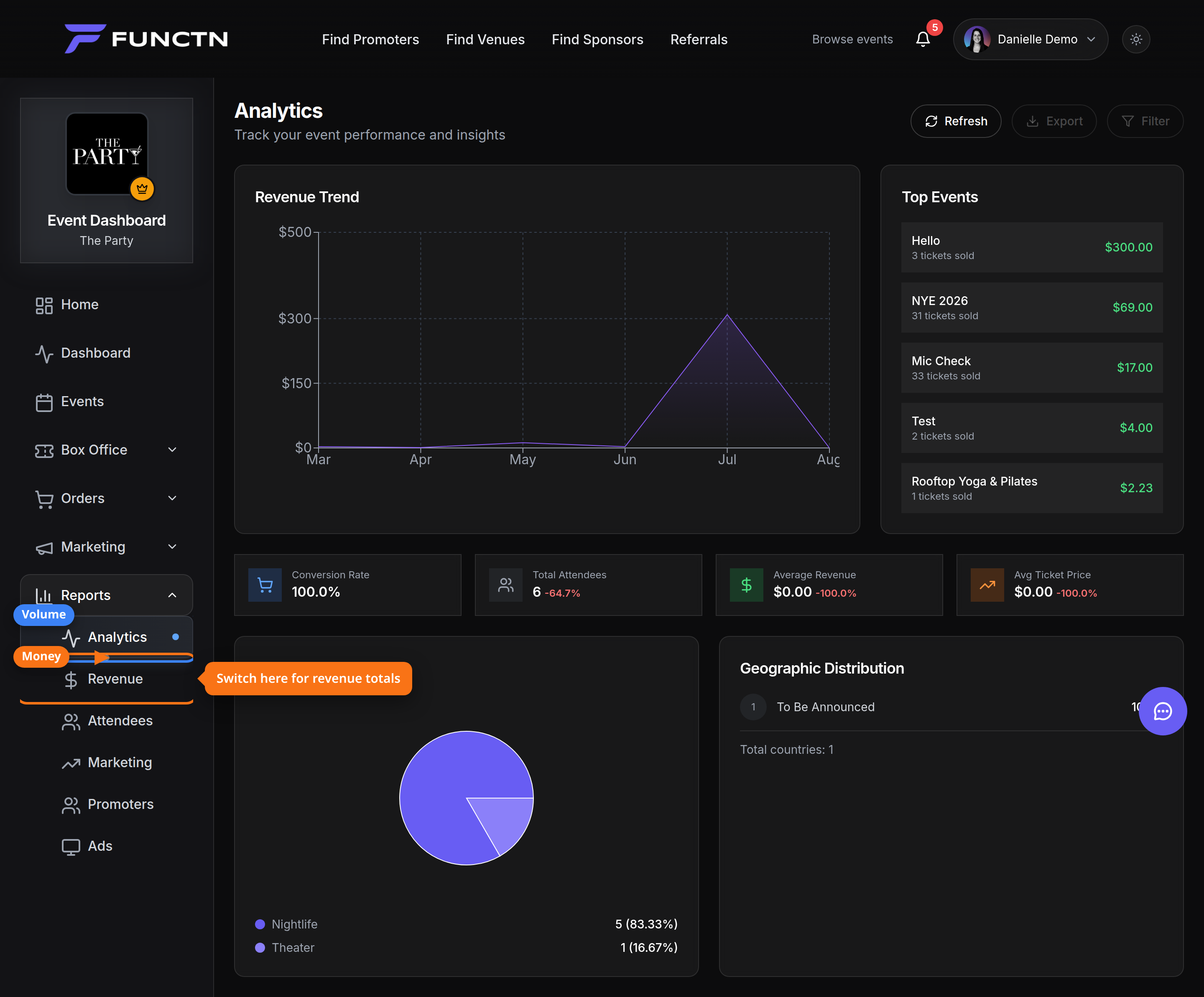 5. Open **Revenue** to see sales, fees, and refunds. 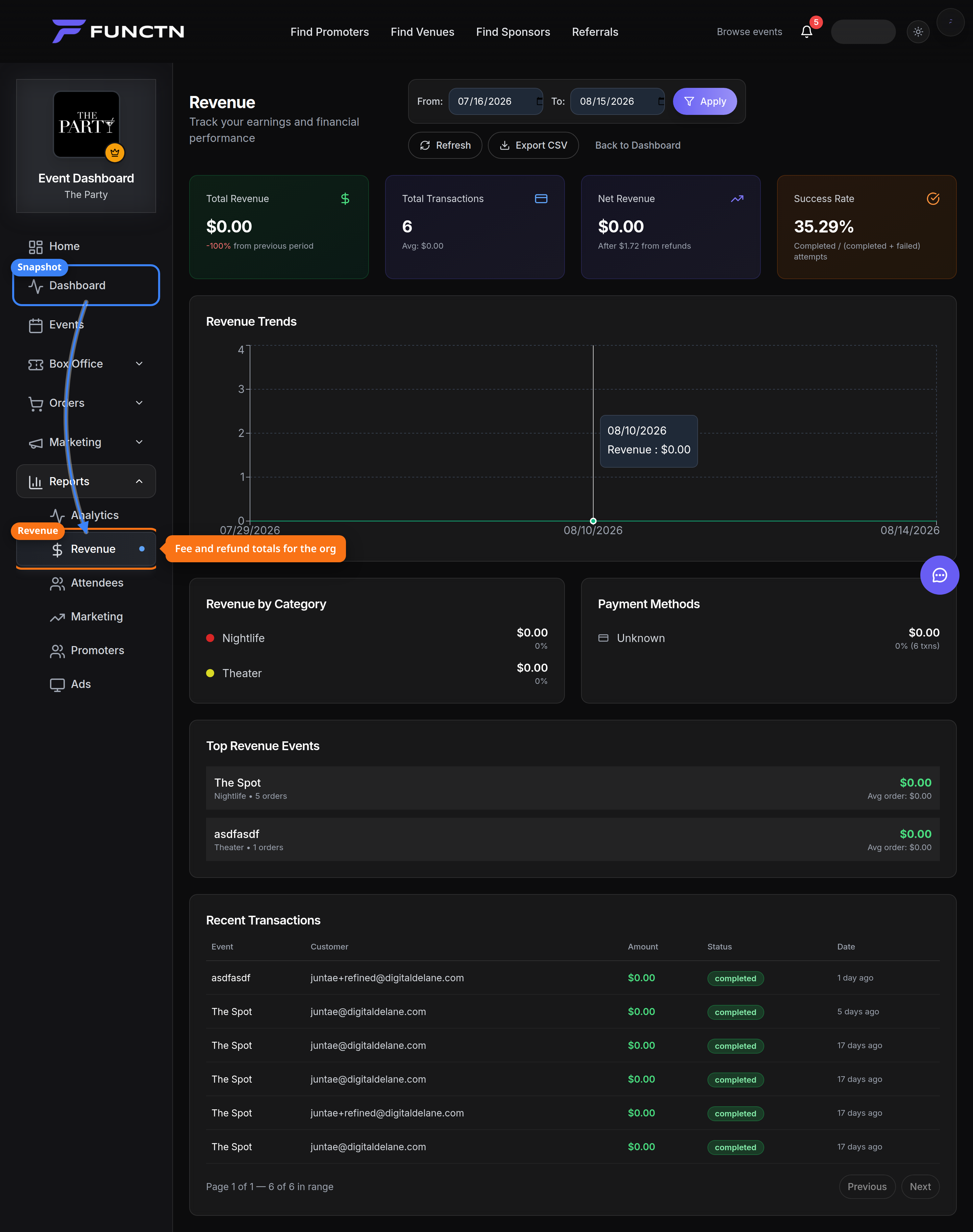 **Tip:** Attendee-level detail is under **Orders** → **Customers**, not on these reports.