Promo codes and discounts | Functn Help Center
Category: Tickets
Create a Functn promo code: open Pricing, click Coupons, then Add Coupon.
# Promo codes and discounts **Who can use this feature?** Organizers, on all organizer plans. Create a discount code on the event **Pricing** step. Add ticket types first if you want the code to apply to specific tiers. ## Create a promo code 1. Open **Enhanced Create** or edit an event, then go to **Pricing**. 2. Click **Coupons**. 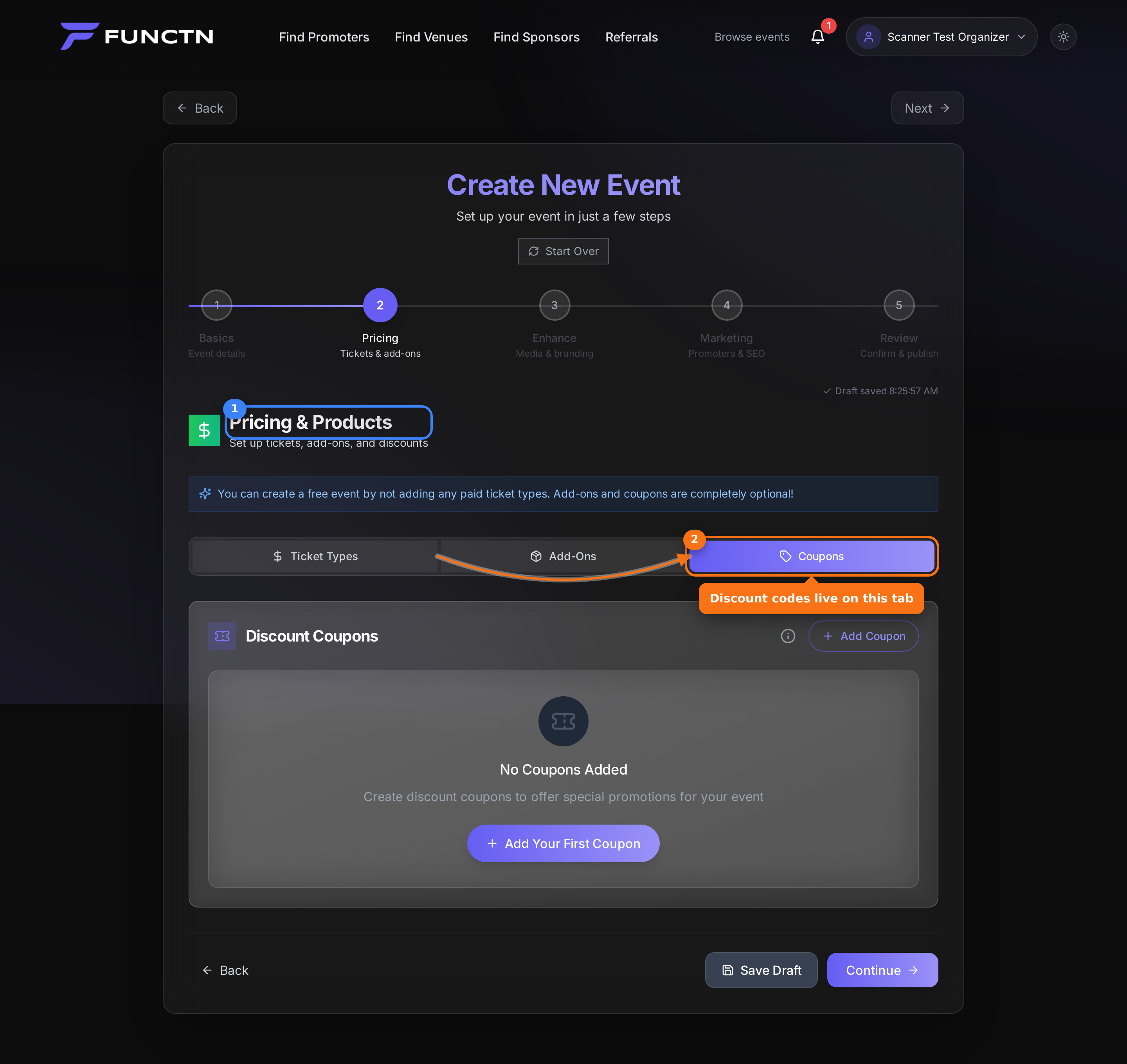 3. Click **Add Coupon**. 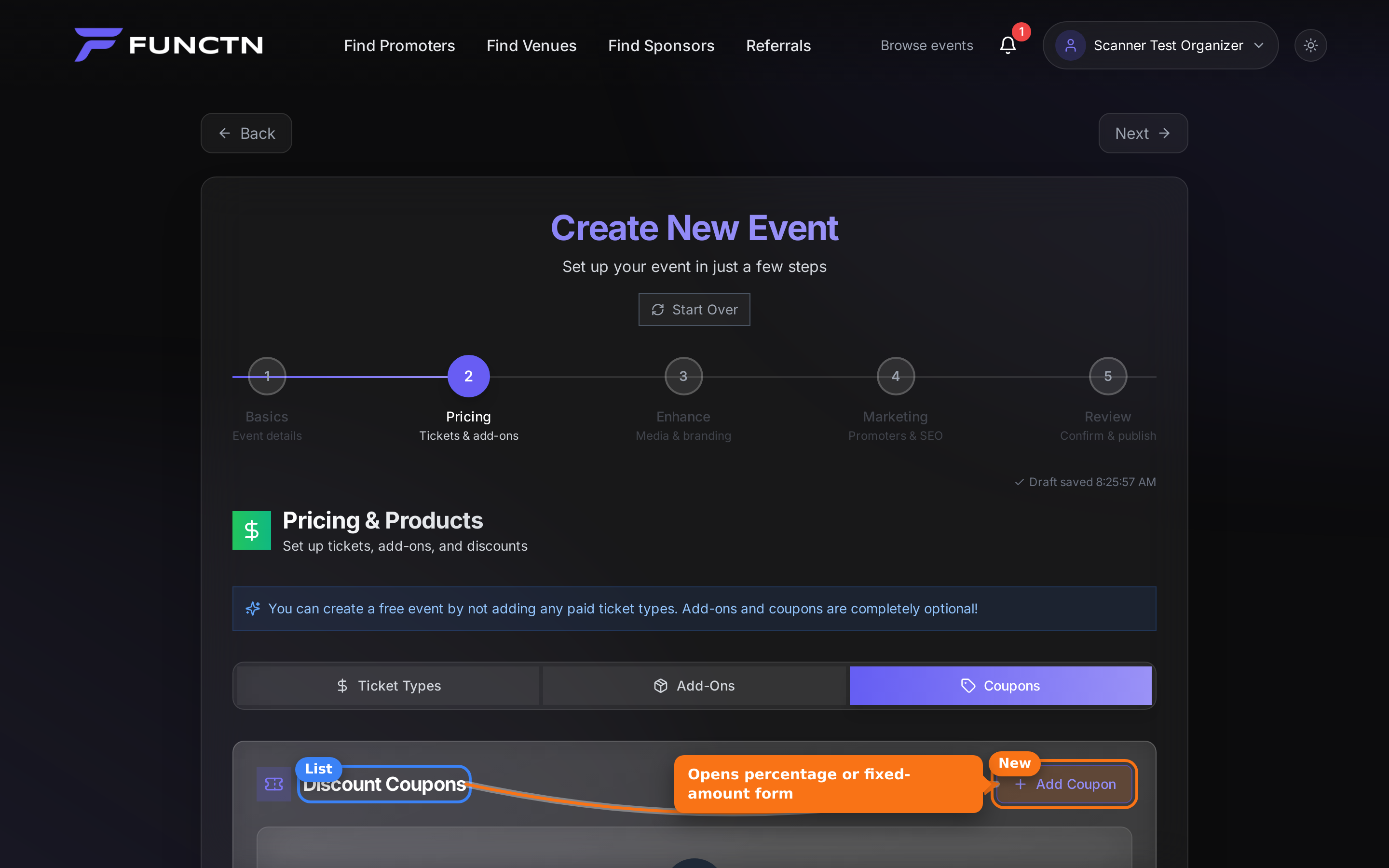 4. Enter the code and discount amount. 5. Choose **All Ticket Types**, or pick specific tiers. 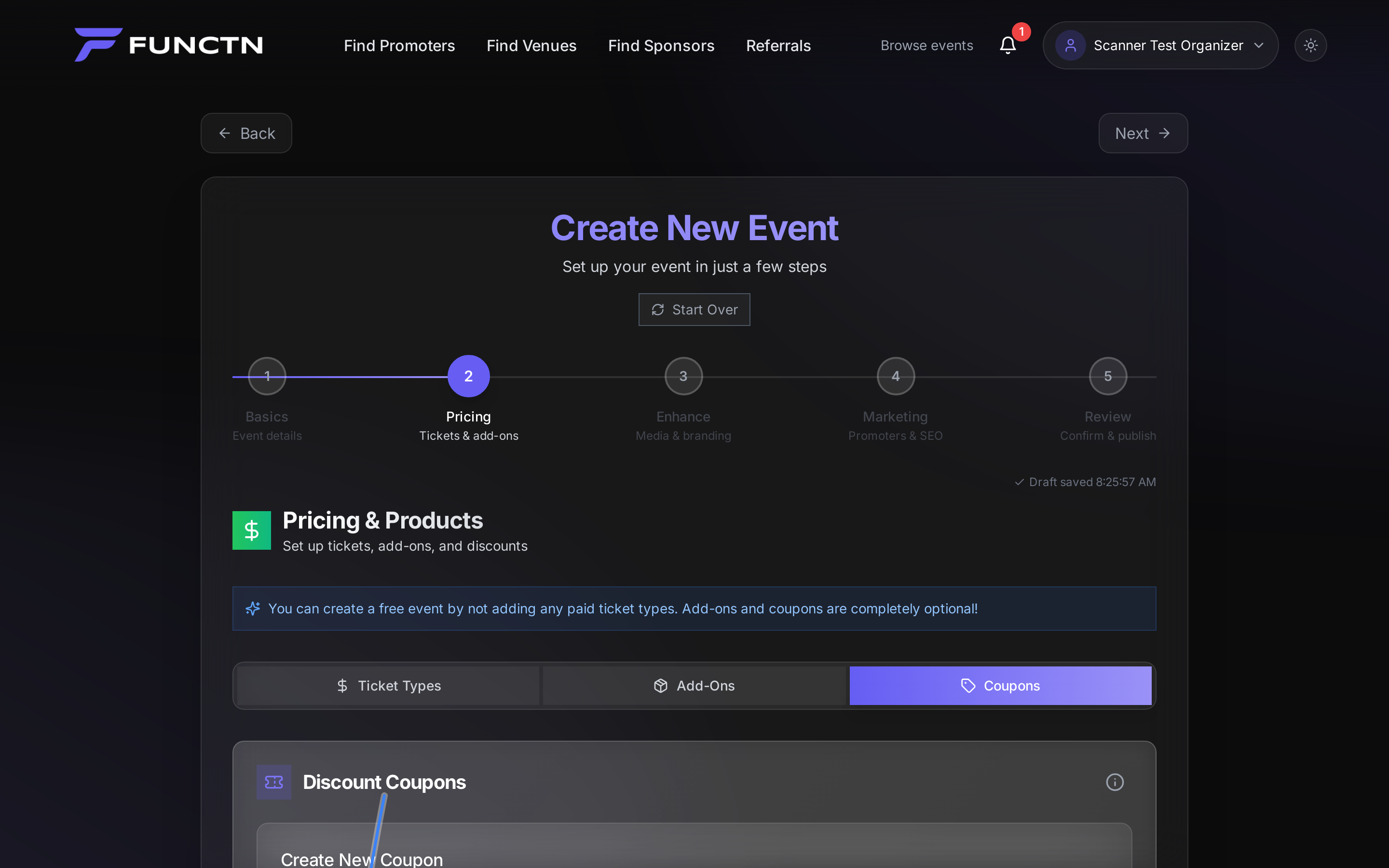 **Tip:** Attendees enter the code at checkout under **Have a promo code?**