Organization settings | Functn Help Center
Category: Your organization
A complete reference for the organization-wide settings in Functn — defaults, integrations, taxes, and policies.
# Organization settings ## What this covers This article describes the organization and account settings that exist in the current app. ## Where to find it Open Profile from the app navigation and use the Settings tab for organization-facing preferences (custom domains, social links, privacy). Payments live under the Payments tab; Profile details and dual-role widgets are under Account; Notifications and Security each have their own tabs. Organizer, venue, and admin accounts may also reach Social Media from Profile → Settings or `/profile/social-media`, and eligible organization owners may see Billing & Add-ons at `/billing`. 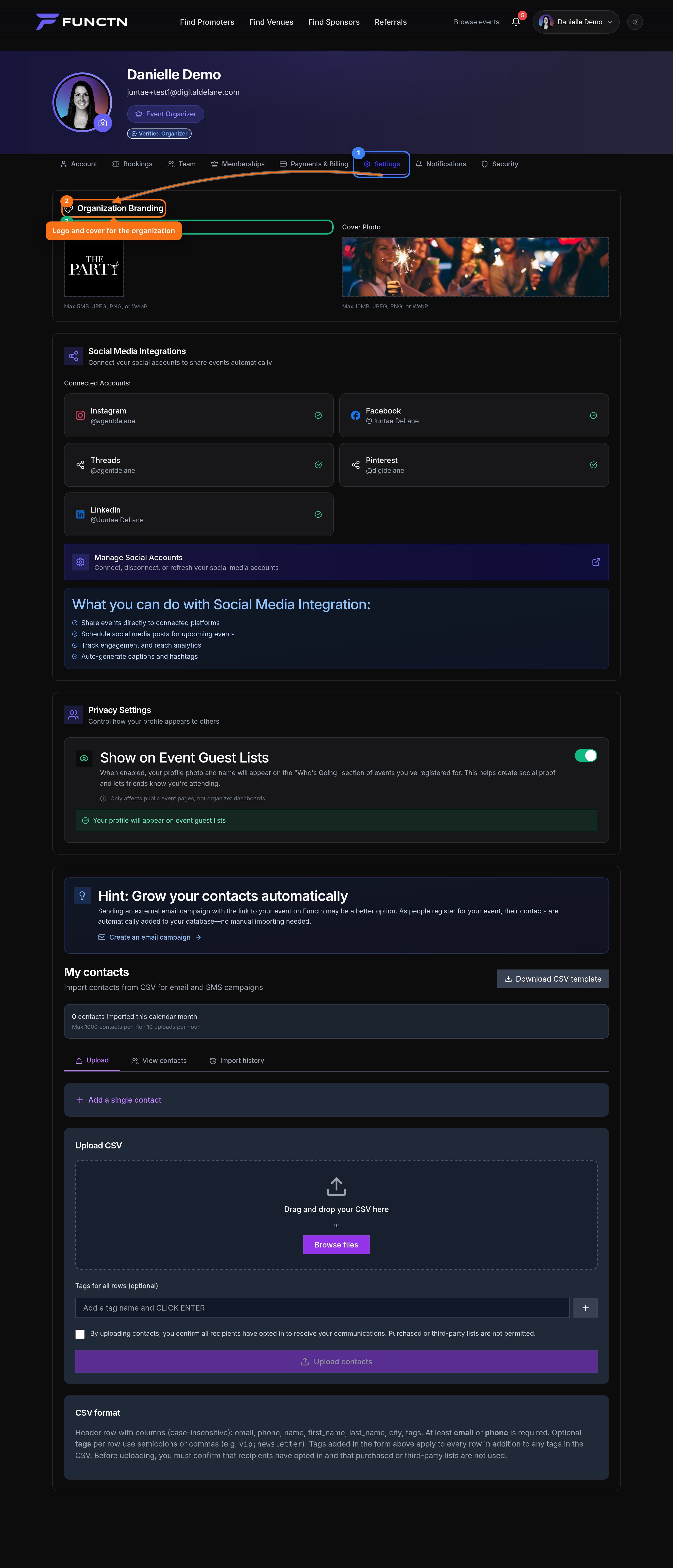 ## How it works Payments contains Stripe Connect setup and payment preferences. Account Type lets users switch how they use the platform. Profile, Notifications, and Security are present as settings panels, but some controls are placeholders in the current UI. Team switching is handled from the profile dropdown. If your account belongs to multiple teams or has pending invitations, the dropdown shows Switch Team and returns you to /admin/dashboard after switching...