How payouts work | Functn Help Center
Category: Payouts and finance
Connect Stripe in Functn: open Profile → Payment, then Connect Stripe Account.
# How payouts work **Who can use this feature?** Organizers. Paid checkout stays blocked until Stripe Connect is complete. Ticket sales pay out to the bank account you connect with Stripe. ## Connect payouts 1. Open **Profile**. 2. Click **Payments & Billing**. 3. Click **Connect Stripe Account**. 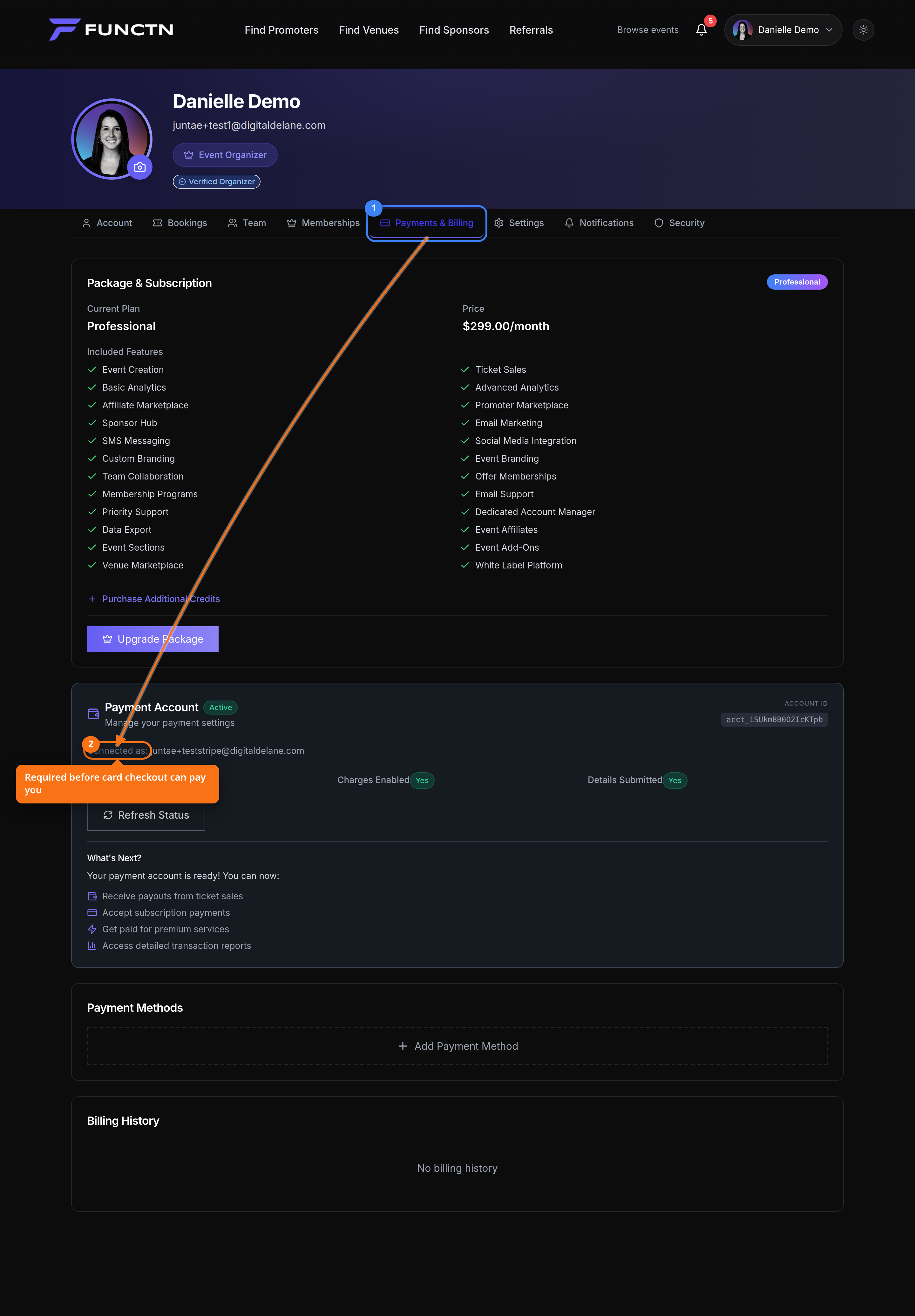 4. Finish Stripe’s onboarding. 5. Use **Payment Methods** only for cards you pay Functn with — not the bank that receives ticket sales. 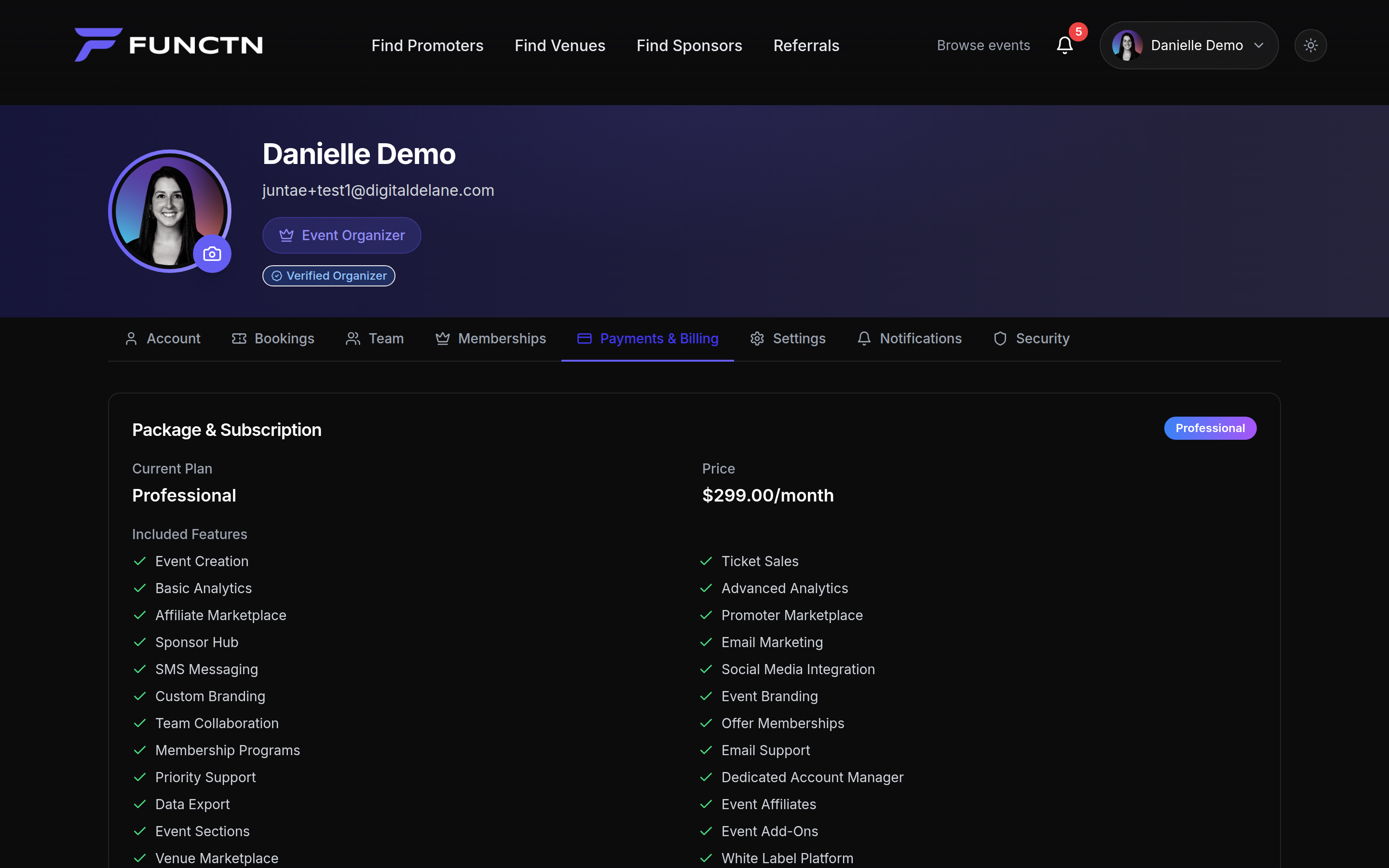 6. To refund a sale or answer a dispute, open **Box Office**, then **Refunds** or **Disputes**. 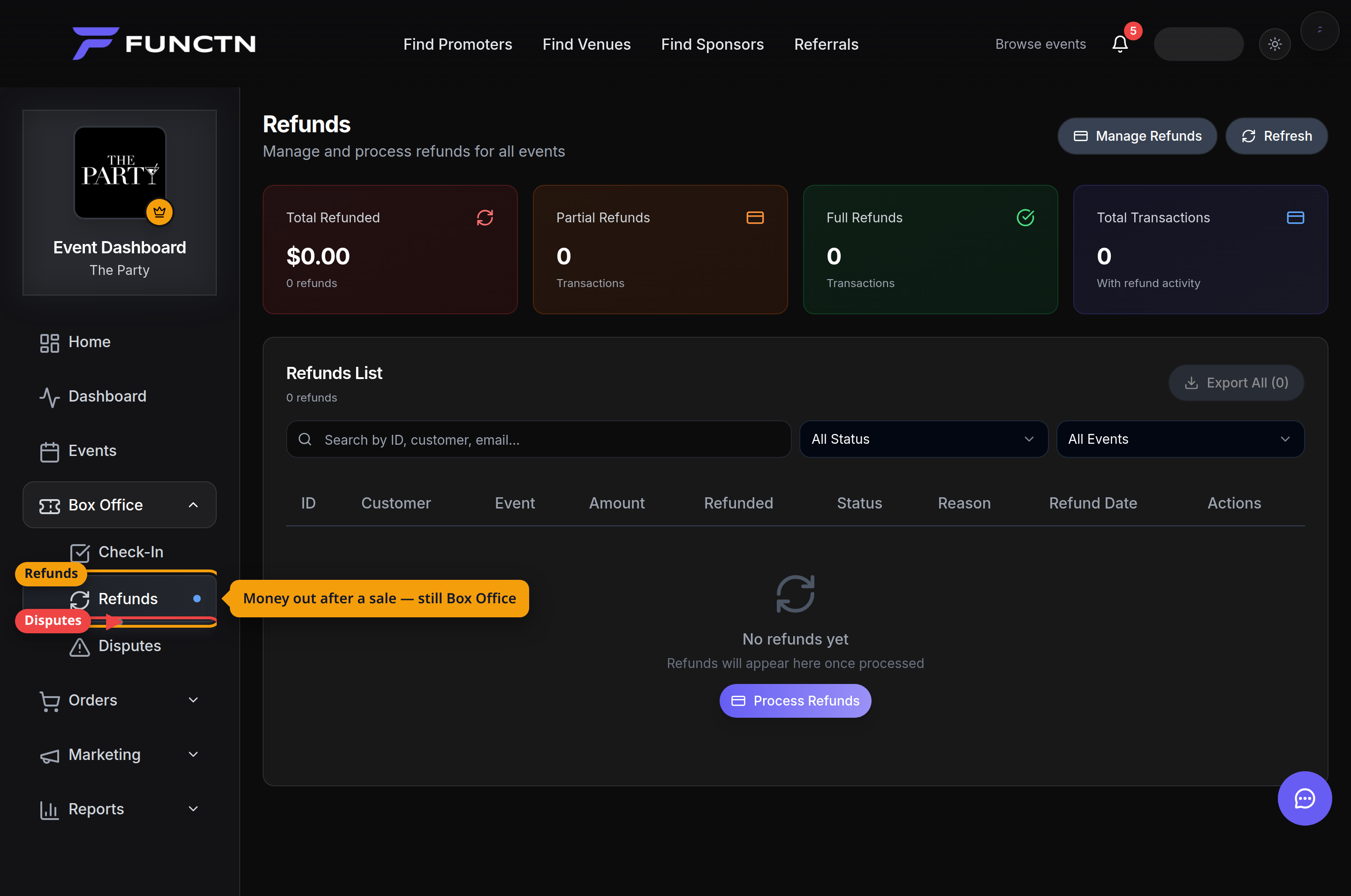 **Note:** Payout timing follows Stripe and your account status.