Guest lists and comps | Functn Help Center
Category: Tickets
Issue free comp tickets, build a guest list, and check VIPs in alongside paying attendees.
# Guest lists and comps ## What this covers Use ticket setup to configure ticket types, pricing, discounts, guest lists, bundles, transfers, and refunds. This article focuses on "Guest lists and comps" using only current product behavior. ## Where to find it - Create or edit an event. - Use the Pricing step or Tickets editor tab for ticket setup. 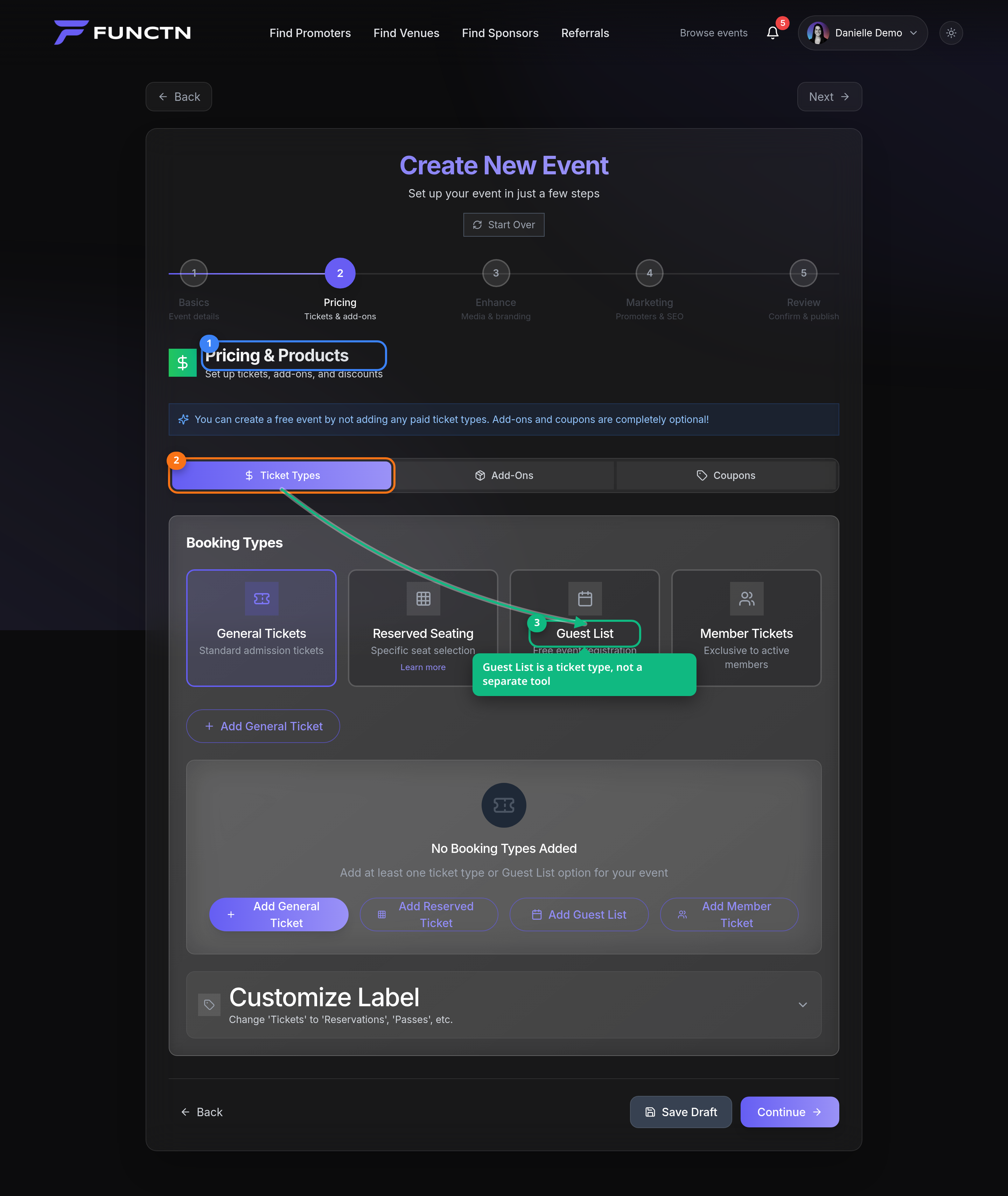 ## How it works Use the visible controls in the current app and follow the labels shown on screen. If a feature is package-gated or account-type-specific, the dashboard may hide it or show it as unavailable. For this topic, start with the closest dashboard or route listed above, then use the article title as your task guide. Avoid relying on older paths from legacy docs. 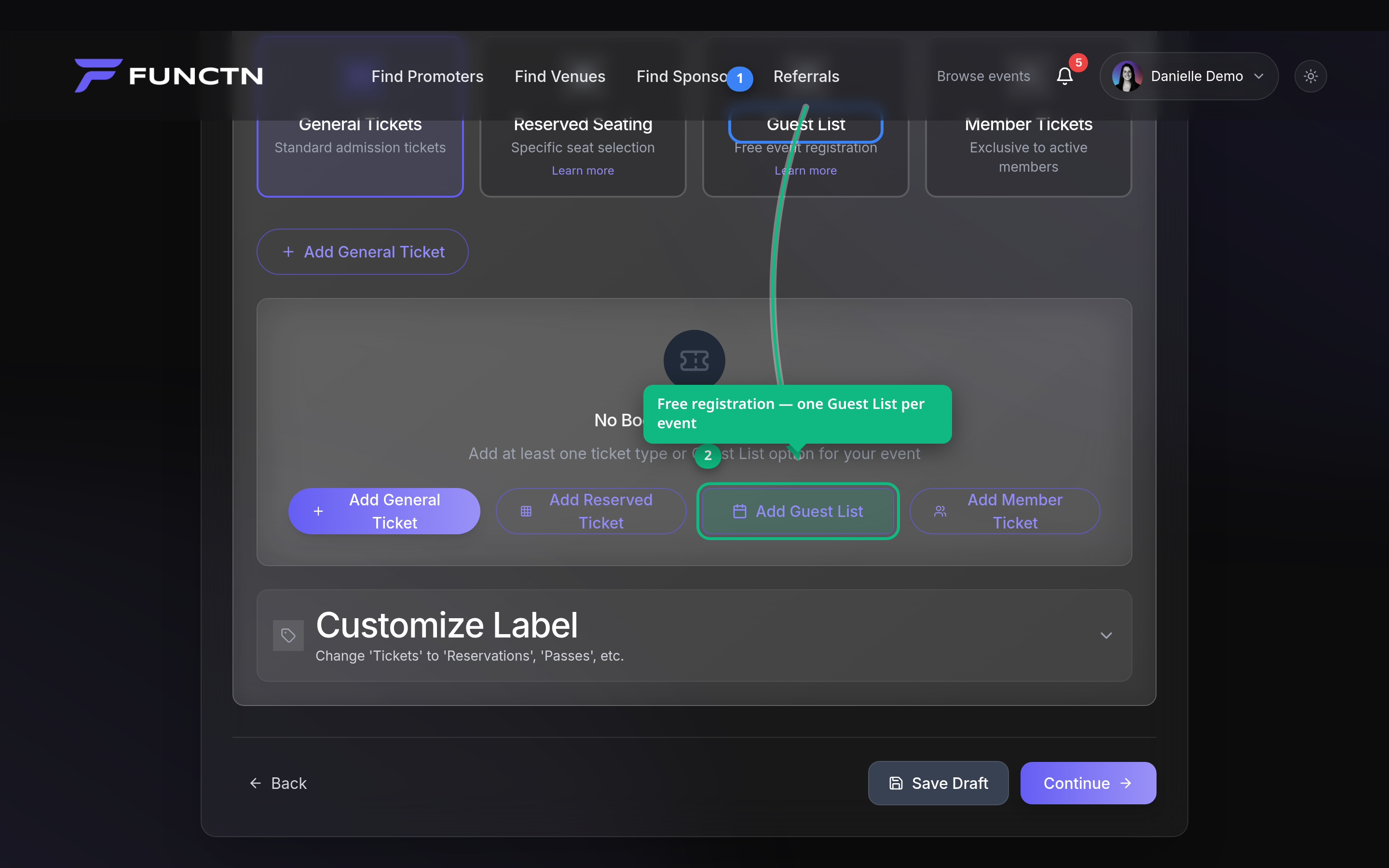 ## Limitations and notes - Fee values must match server/utils/packageFees.ts. Ticket-level fee absorption is controlled per ticket type. - This article intentionally omits unsourced statistics, fixed payout timing, fixed conversion benchmarks, and unverified third-party integrations....