Data and reporting | Functn Help Center
Category: By use case
How to use Functn analytics, attendee insights, attribution, and exports together to drive event decisions.
# Data and reporting ## What this covers This playbook connects Functn analytics, marketing attribution, promoter performance, and exports so you can answer specific questions — what to promote, what to cut, and what to repeat — instead of only viewing top-line sales. ## Where to start - Open **Admin Dashboard** → **Analytics** for pace and revenue trends. - Open **Admin Dashboard** → **Reports** for exports and detailed breakdowns. - Open **Admin Dashboard** → **Customers** for buyer history where available. - Open **Marketing** → **Promoter Network** or **Promoters Report** for referral performance. 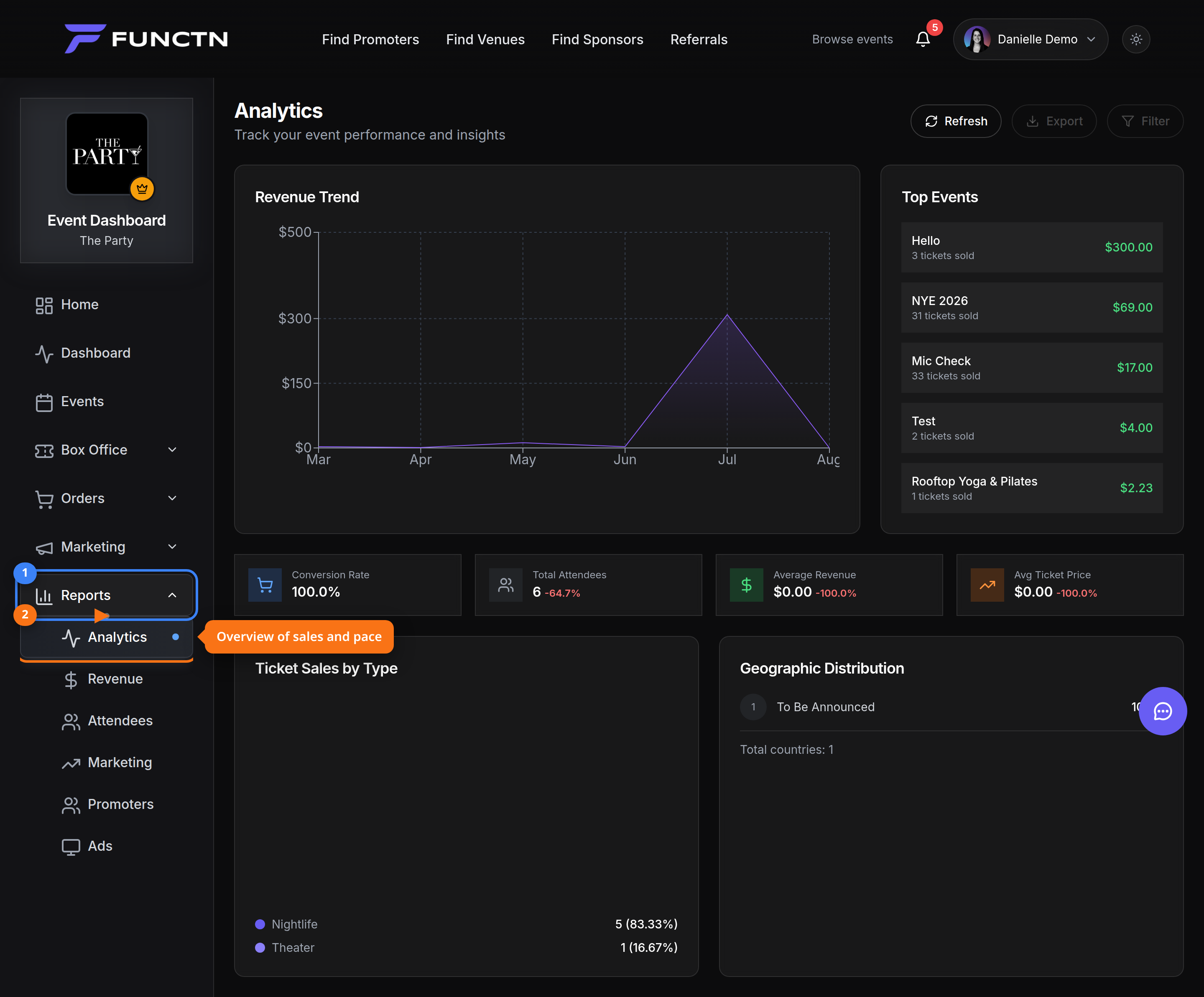 ## Playbook ### 1. Define the decision first Before opening a report, write the question: “Which promoter should get more inventory?” or “Did VIP sell too fast?” That keeps you out of vanity metrics. ### 2. Check pace against capacity Use **Analytics** or **Revenue** to compare daily sales against total capacity and days remaining. Trigger a campaign or price step when pace falls behind — not after the on-sale ends. ### 3. Attribute channels with UTMs and promoter links Tag email, social, and...